Category: Technologies

  • How to Use AI to Level Up Customer Retention in 2025

    How to Use AI to Level Up Customer Retention in 2025

    As we start the new year, conversations with clients seem to circle back to two priorities: how to grow revenue and how to cut costs. For most, the answer lies in improving customer retention. After all, keeping your customers happy and engaged drives long-term growth and profitability—yet consistently delivering great experiences across touchpoints can feel like a tall order.

    The good news? AI is changing the game, making it easier to build stronger relationships while saving time and money. Tools like Microsoft Copilot for Office 365 and OpenAI solutions are already helping teams connect with customers in smarter, faster ways. Here are three practical ways to get started:

    1. Create High-Impact Customer Materials Without the Hassle
      Spend less time on proposals, RFPs, or follow-up emails. With AI tools, you can generate polished, personalized materials in minutes. For instance, Copilot in Word or Excel can help you create on-brand templates that are tailored to each customer—making a great impression in much less time.
    2. Go Into Customer Meetings Fully Prepared
      No one wants to fumble through a meeting looking for context or key details. AI tools can summarize past conversations, surface customer pain points, and even suggest discussion topics. Copilot in Teams can provide real-time insights during calls, keeping you focused and ready to add value.
    3. Respond to Issues Faster—and More Thoughtfully
      Customers notice when you respond quickly and with empathy. AI makes this easier by pulling up relevant customer records, FAQs, product specs, generating draft responses, and even helping to maintain a consistent, personal tone. Tools like OpenAI’s ChatGPT are particularly helpful when configured right for handling complaints or complex questions efficiently and in your preferred voice.

    The key isn’t just adopting these tools but integrating them into your daily workflows. And don’t forget: success with AI starts with clean, organized data and well-crafted prompts.

    What’s one area of your customer workflows that could benefit from AI today? Start small, test the impact, and scale from there.
  • 5 Essential Steps Before You Launch Your First Microsoft 365 Copilot

    5 Essential Steps Before You Launch Your First Microsoft 365 Copilot

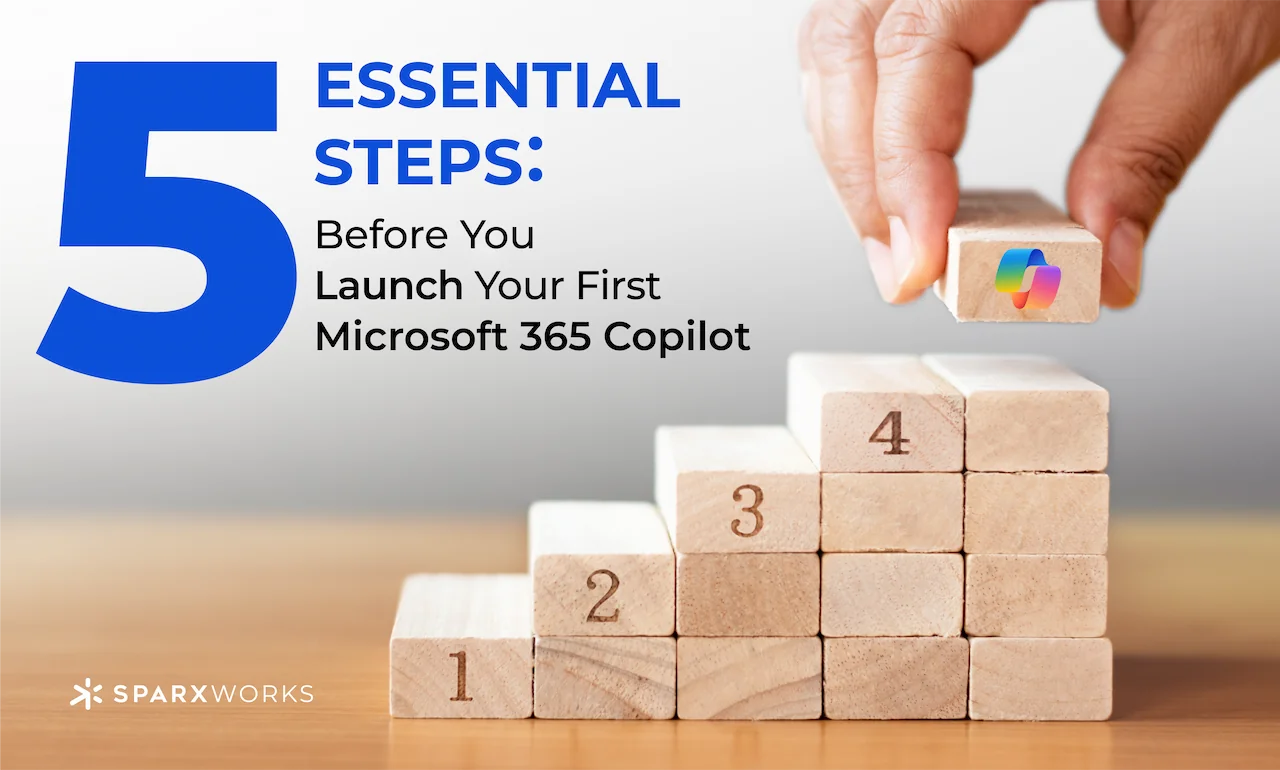
    Let’s be honest setting up a new AI assistant can feel like preparing for a big event. Microsoft 365 Copilot is no exception. It blends your everyday tools like Word, Excel, and Teams with advanced AI capabilities. But before you start chatting with Copilot, you’ll need to lay some groundwork. Think of it as getting the stage lights, sound checks, and script all in order, so your Copilot show runs smoothly.

    1. Organize Your Information Sources
      Before using Copilot’s “knowledge” feature, ensure your SharePoint, Teams, and OneDrive files are in good shape. Make sure documents are accurately named and logically stored—Copilot’s prompts rely on this data to provide relevant answers.
    2. Check Permissions and Access Levels
      Your Copilot respects your security and compliance settings. Confirm that permissions are updated so the right people have the right access. This ensures Copilot won’t be handing out sensitive info to unintended audiences.
    3. Fine-Tune Your Prompting Strategies
      Before you go live, practice asking Copilot targeted questions. The more specific your prompts, the better its responses. Instead of “show sales data,” try “show monthly sales totals by region from the last quarter.”
    4. Confirm Data Accuracy and Freshness
      Copilot draws insights from what it can “see.” Verify that your reports and data sources are up-to-date. Clean, current data means trustworthy results from Copilot.
    5. Start Small and Iterate
      Begin with a limited pilot group and a few test scenarios. Gather feedback, refine your prompts, and then expand. This approach ensures your Copilot is truly helpful from day one.

    Copilot can be an amazing and very powerful assistant. But it needs the right set up. If you want to talk through this in more detail, DM me. With the right setup, you can watch your productivity take off. Just like having a virtual teammate at your side!

  • Why Businesses Struggle with AI Copilots—and How to Get It Right

    Why Businesses Struggle with AI Copilots—and How to Get It Right

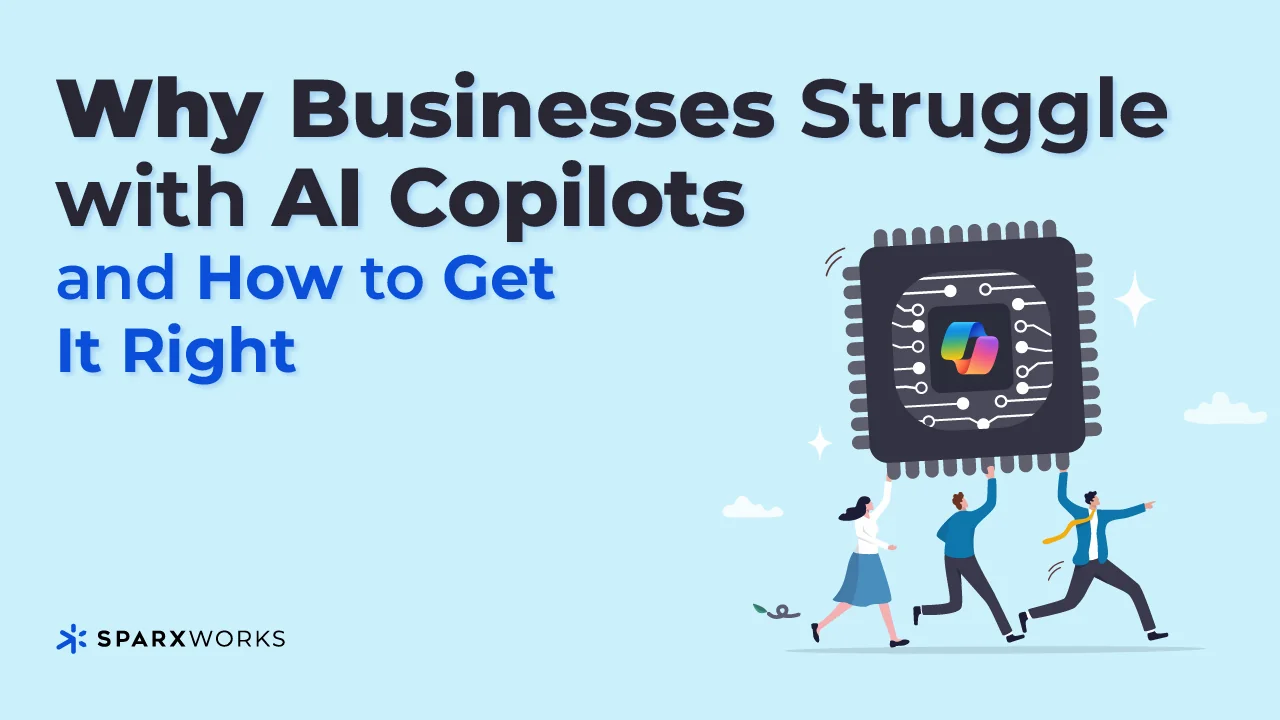
    AI copilots like Microsoft 365 Copilot are game-changers, promising to revolutionize the way businesses operate. Yet many companies are finding that integrating them into operations and services isn’t as seamless as advertised. Let’s talk about why—and how to overcome these challenges.

    One of the biggest hurdles is data preparation. Microsoft paints a picture of effortless AI adoption: connect your data, hit go, and watch the magic happen. But the reality is much more nuanced. Most organizations lack a clear roadmap for preparing their data, ensuring it’s clean, organized, and accessible for AI models. Without this foundation, copilots can’t deliver consistent, accurate results.

    Another challenge is complexity. While Microsoft offers tools to customize and connect copilots, navigating these capabilities requires more than basic technical know-how. Building effective prompts and customizing GPTs to meet unique business needs takes specialized skills. And let’s not overlook Microsoft’s tendency to oversimplify the process, which can leave executives blindsided when things don’t “just work.”

    Finally, there’s the issue of data security and oversharing. Recent reports show that copilots can unintentionally expose sensitive data. It’s a problem Microsoft is working on, but in the meantime, companies need robust governance to avoid unintended leaks.

    So, how do you tackle these challenges?

    1. Prioritize Data Readiness. Take a step back and assess your data. Is it structured, complete, and accessible? Invest in tools and workflows that clean and organize your data before introducing AI.
    2. Partner Strategically. Not every business has in-house expertise in prompt engineering or GPT customization—and that’s okay. Partnering with experts can accelerate your journey and minimize missteps. That’s why SparxWorks joined forces with PulseOne, a nationwide leader in Managed IT Services. Together, we’re helping businesses bridge these gaps, from data preparation to full-scale AI integration.
    3. Educate Your Team. Copilots require thoughtful implementation. Train your team to build better prompts and understand the nuances of AI behavior.

    The promise of AI copilots is real, but the path to unlocking their full potential requires careful planning. If you’re struggling with how to prepare your organization, let’s connect. SparxWorks and PulseOne are here to make the process as seamless—and impactful—as possible.

    I’d love to hear your feedback on Copilot implementations—what’s worked, what hasn’t, and any best practices (or lessons learned) along the way.

  • Launching Impact: Deployment in the 5D Methodology

    Launching Impact: Deployment in the 5D Methodology

    The hard work has been done coding is complete, functionality has been validated, and stakeholders are excited. But here’s the catch: deployment isn’t just about flipping a switch. It’s about ensuring your solution doesn’t just work but thrives in the real world.

    The Deployment phase is where your AI solution steps out of the lab and into production. For AI initiatives, this is where the rubber meets the road. It’s not just about launching; it’s about scaling and integrating AI seamlessly into workflows, products, or customer touchpoints without disruption.

    A successful deployment begins with a robust go-live strategy. This includes setting up monitoring systems to track performance, load testing to handle real-world traffic, and finalizing rollback plans—because even the most well-tested solutions need contingencies. Feedback loops also come into play here, capturing insights from users and stakeholders to inform post-launch optimizations.

    Consider, Deployment isn’t a one-and-done event. AI solutions often need continuous model retraining, updates to algorithms, and performance tuning as real-world data flows in. Clear documentation and training for end users and administrators are essential to sustaining momentum and driving adoption.

    At its core, Deployment is about ensuring your solution delivers the value it promised during the Define phase. It’s not just about a smooth launch but about laying the groundwork for long-term success—ensuring the AI system remains adaptable, scalable, and impactful in the face of change.

    Because here’s the truth: a great launch is only the beginning. How your AI solution evolves and performs after deployment is what truly defines its success.

    Are you ready for operations? Deployment is just the start. Share your strategies or lessons learned in the comments!

  • Building the Future: From Code to Impact in the Development Phase

    Building the Future: From Code to Impact in the Development Phase

    After months of discovery, definition, and design, your AI-powered solution is ready to move from ideas to execution. The vision is clear, the roadmap is set, and now it’s time to bring your innovation to life. Welcome to the Development Phase—the stage where ideas are translated into tangible solutions and where the promise of AI takes its first real steps toward delivering measurable impact.

    From a technical standpoint, this is where AI implementation becomes crucial. Teams must integrate machine learning models trained on historical and real-time data while designing workflows that balance automation with human oversight. Will the AI pipeline scale as the data volume grows? How do predictive models handle incomplete or delayed data? Addressing these challenges during Development ensures your system is robust, adaptable, and resilient under pressure.

    Beyond the code, rigorous testing is essential. Unit testing verifies individual components, while integration testing ensures the entire system works cohesively. For AI-specific solutions, real-world simulations and stress tests are critical to validate predictive accuracy and responsiveness. User acceptance testing (UAT) provides the final litmus test: does the interface enable logistics managers to reroute inventory quickly when disruption alerts are triggered?

    Finally, don’t overlook documentation—the unsung hero of long-term success. Clear and accessible documentation ensures that your AI platform remains maintainable, scalable, and ready for iterative growth as your business evolves. Think of it as an investment in future-proofing your innovation.

    The Development Phase isn’t just about writing code; it’s about creating systems that inspire trust, deliver seamless experiences, and build a foundation for transformative outcomes. By the end of this phase, you’re not just launching a product—you’re setting the stage for lasting innovation.

    What’s your experience with the Development Phase of AI implementation? Share your thoughts, lessons, or questions below!

  • From Vision to Blueprint: Designing AI-Powered Experiences That Work

    From Vision to Blueprint: Designing AI-Powered Experiences That Work

    The Design phase is the heartbeat of your project—it’s where your idea begins to take shape, transforming from a high-level concept into a tangible, user-centric blueprint. At this stage, the goals are clear, the scope is defined, and the KPIs are in place. But the real challenge begins now. In the Design phase, vision and strategy must come together to craft experiences that not only work but resonate. And when AI is involved, the stakes are even higher—this is where the technology starts to feel real to the people who will use it.

    In AI projects, the Design phase isn’t just about what the system does—it’s about how it feels to the people using it. This is where we turn abstract concepts like “personalization” or “efficiency” into wireframes, workflows, and interfaces that make sense for users.

    We start with ideation, brainstorming how AI will integrate into existing workflows or create entirely new ones. For example, if you’re building an AI-powered virtual assistant, does it greet users conversationally, or get straight to business? Should it prioritize speed, accuracy, or empathy? Questions like these ensure every design decision aligns with user personas and their journeys.

    Next comes wireframing and low-fidelity prototyping. These are the napkin sketches of the digital world, focusing on core functionality without getting bogged down by aesthetics. Does the chatbot suggest the right next action? Can users easily navigate AI-powered dashboards? These prototypes let us test early—and fail fast if needed.

    Then it’s time to bring the vision to life. High-fidelity prototypes incorporate branding, accessibility standards, and intuitive interactions. This is where the human-AI interface shines, ensuring that even the most complex technologies feel approachable and engaging. And because AI systems evolve, iterative usability testing ensures the design remains effective and relevant.

    Finally, we document it all in a functional specifications document and style guide—roadmaps that development teams use to turn ideas into reality. But here’s the key: in AI projects, the Design phase isn’t just about aesthetics or functionality. It’s about trust. Every interaction must build confidence in the system, balancing automation with a human touch.

    The Design phase is where creativity meets rigor, crafting experiences that not only work but resonate. Whether you’re designing AI for customers, employees, or partners, one question remains constant: does this design make the technology feel intuitive, seamless, and human?

    How do you balance innovation and usability in your AI designs? Any tips for us?

  • Defining Success: Turning AI Ambitions into Actionable Plans

    Defining Success: Turning AI Ambitions into Actionable Plans

    Picture this: a C-suite roundtable buzzing with excitement over the promise of AI. The team just wrapped a robust Discovery phase, uncovering opportunities to automate operations, enhance customer experiences, or even reinvent an entire product line. Ideas are flowing, and the possibilities seem endless. But then comes the question no one wants to ask—”What’s next?” That’s where the Define phase steps in, turning lofty AI ambitions into a clear, actionable strategy.

    When it comes to leveraging AI, the Define phase is about more than just planning—it’s about focus. At this stage, you’re taking all those shiny ideas from Discovery and distilling them into a strategic roadmap. Think of it as translating enthusiasm into execution. The key? Clarity.

    For instance, say you’re implementing AI to streamline customer support. The Define phase is where you articulate the problem statement: Is the goal to reduce resolution time? Improve customer satisfaction scores? Or cut costs by X%? From there, you develop user personas to understand how AI will interact with your customers or employees, and you map out their journeys. Will it feel seamless to users, or will it create friction? These questions need answers now, not later.

    Scope management is also critical. AI projects are notorious for ballooning out of control—suddenly, that chatbot pilot becomes a full-blown omnichannel AI solution. The Define phase draws clear boundaries around what’s in and what’s out, avoiding the dreaded scope creep. And because AI thrives on measurement, we establish Key Performance Indicators (KPIs)—specific, measurable goals like reducing churn by 10% or increasing operational efficiency by 20%.

    Finally, we develop a roadmap with milestones and timelines, ensuring the team is aligned and prepared to handle challenges before they derail progress. Without this phase, you risk spinning your wheels—investing in AI without a tangible return on investment or clarity of purpose.

    The Define phase isn’t just a bureaucratic necessity; it’s the bridge between AI vision and execution. It ensures you’re not just adopting AI for the sake of it but creating real value. So, next time you’re eyeing that shiny new AI initiative, ask yourself: Have we truly defined what success looks like?

    How are you ensuring clarity and alignment in your AI initiatives? Share your experiences or challenges in the comments below!

  • Finding the Right AI Opportunities: A Conversation About Discovery

    Finding the Right AI Opportunities: A Conversation About Discovery

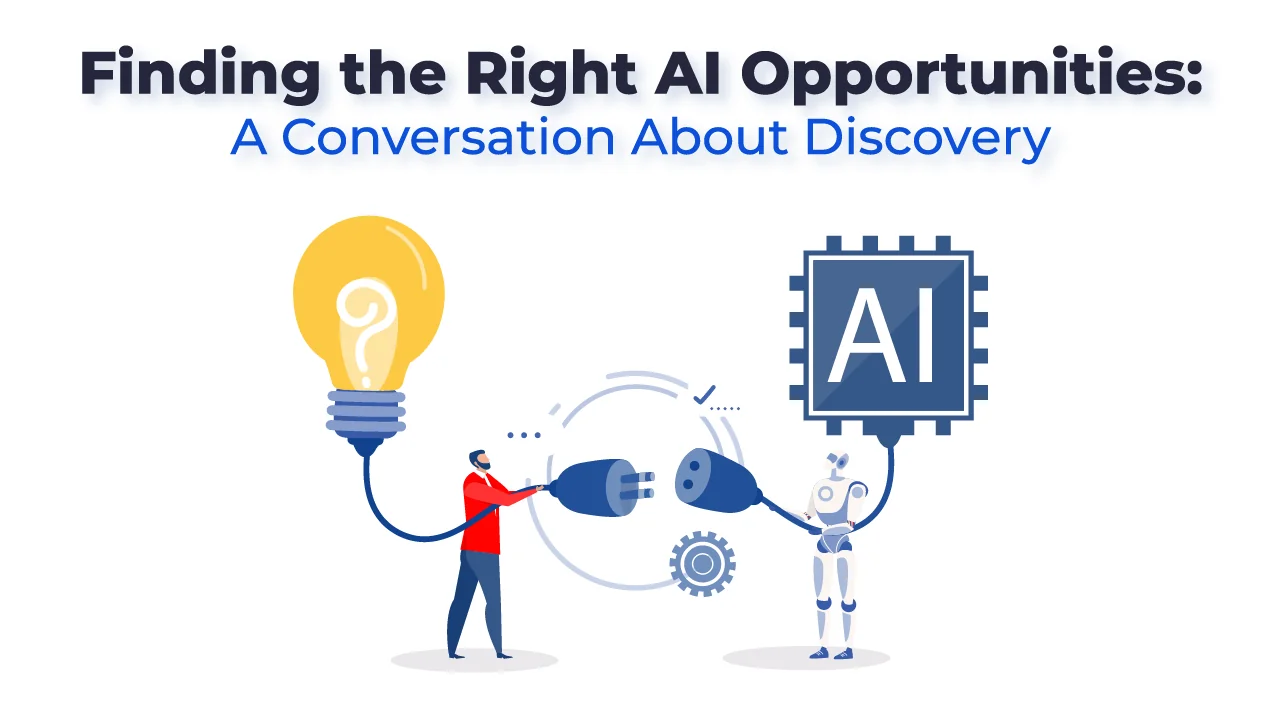
    The other day, I was talking with Frank, our COO, about how companies are approaching AI. He shared something that stuck with me: “The biggest challenge isn’t implementing AI—it’s figuring out where it will actually make a difference.” That’s exactly what the Discovery phase is all about.

    Discovery isn’t about diving headfirst into AI tools or building models just for the sake of it. It’s about stepping back and asking the right questions.  We discussed a client we worked with recently—a retail company eager to leverage AI to personalize customer experiences. Initially, they thought they needed to overhaul their entire data infrastructure. But by doing a  Discovery, we uncovered that the real opportunity wasn’t more data—it was better data. Their existing data was underutilized, and by focusing on streamlining how it was structured and accessed, they could deliver personalized recommendations faster without a massive rebuild.

    This is why Discovery is so powerful. It’s where we dig deep—conducting stakeholder interviews, analyzing user behaviors, and mapping out workflows—to uncover the real opportunities and avoid unnecessary distractions. Whether it’s identifying bottlenecks in processes or finding innovative ways to connect with users, Discovery ensures that AI investments align with business goals and deliver measurable ROI.

    Frank put it perfectly: “It’s about being intentional, not just innovative.” And he’s right. When Discovery is done right, you don’t just use AI—you unlock its full potential.

    So, what challenges or opportunities could Discovery uncover for your business? Let’s find out.

  • Is AI going to take my job?

    Is AI going to take my job?

    Like many of you, I am thrilled by the advancements in AI, particularly large language models (LLM), which are ushering us into a new era. AI is certainly enhancing a variety of domains like services, AR, XR, VR, and marketing. However, as my grandma used to say, “You have to take it with a grain of salt.”

    With the media highlighting AI’s latest achievements, it’s easy to get caught up in the excitement. I often hear phrases like, “It’s incredible how it thinks and responds so accurately.” Let’s set the record straight: AI does not think. It operates based on intricate combinations of mathematical concepts including probability, statistics, linear algebra, calculus, game theory, logistics, regression, and more.

    Data management poses a significant challenge. Ensuring the correct data is fed into the LLM, while avoiding copyright, patent, and trademark infringements, is essential.

    AI is unlikely to take over your job unless it involves straightforward processes, such as automating checkout counters or parking stations. Instead of replacing you, AI will augment your abilities, helping you excel in your role and become more productive.

    With LLM, we have the potential to develop tools, services, and virtual assistants that can manage routine tasks. This allows employees to focus on strategic aspects of their roles, potentially improving work-life balance by reducing overtime and weekend commitments.

    For students, integrating AI with technologies like NoSQL will usher in true adaptive learning.
    This promises a tailored educational experience, adjusting content to suit individual learning needs, ensuring a deeper understanding of topics.

    Furthermore, AI will enable the creation of a genuine Omnichannel experience, as it facilitates precise content modularization, allowing smart templates to function optimally.

    While the potential is immense, it’s important to recognize that AI also presents new opportunities for misuse. A cautious and methodical approach is imperative when implementing AI in any business setting.

    Are you considering integrating AI into your business, services, or sales strategies? Need guidance on the right approach? We have extensive experience in AI (having developed an XR platform that’s programming-free) and have garnered invaluable insights over the years. AI offers tremendous benefits, but it requires careful handling. Reach out to us. Let’s harness the power of AI responsibly.

  • AR and VR Can Provide New Revenue Streams in 2023

    AR and VR Can Provide New Revenue Streams in 2023

    CES 2023 came to a close, and what a show it was. After years of remote presentations, we finally converged in Las Vegas; media companies, major manufacturers, agencies, services, developers, and the press came together again with renewed energy to resume full speed ahead “post-pandemic” business. Networking was in the air, and slowly but surely, we all got caught up and started looking into 2023-24 and the exciting opportunities ahead.

    After years of experimentation and hype, we can finally say that augmented reality and virtual worlds are now viable and within reach of consumers. The continued growth of 5G, the availability of edge computing, and the rapid adoption of W3 technologies have set the stage to incorporate digital media in all forms into the actual world, including persistence, and thanks to NFTs, we can make a digital “item” unique.

    CES 2023 Session AR and VR

    It was great to hear Eric Shamlin (Media Monks) and Emily Wengert (Huge) talk about the creative process and their approach to XR and the Metaverse. Rahul Sabnis shares news about iHeart Media events for 2023, which will include augmented reality offerings and more. We all look forward to these events with great anticipation. Silke Meixner (ZS Associates) shared key insights to help develop a sound digital transformation strategy than can facilitate and leverage W3 technologies moving forward. Ashley Crowder (Vntana) is working on solving 3D challenges, which will positively impact the business adoption of AR/VR and all virtual spaces, Metaverse, and games. Jenna Seiden (Niantic) shared exciting news for developers worldwide by announcing new tools and features to deploy AR experiences via browser. From us at SparxWorks, the news is that our platform now supports browser-based augmented reality and the use of QR codes in addition to our app-based capabilities. Our platform allows you to combine images, video, 360-degree images, 3D, audio, and text with AR image recognition, plane recognition, and more.

    At SparxWorks, we specialize in helping businesses reach and connect with their consumers at their point of need. Our customer-centric approach allows us to cultivate and extend your market share through the web, mobile, augmented reality, and, eventually, a persistent metaverse. To learn more come visit our website.