Tag: GenerativeAI

  • The Quiet Career Crisis: Retooling for AI

    The Quiet Career Crisis: Retooling for AI

    It’s easy to feel powerless when entire industries restructure seemingly overnight. In the past year, economic instability and automation have led to thousands of layoffs across sectors—from education and government to media and retail. And as AI takes center stage, many worry about being left behind.

    Especially for professionals in their 40s, 50s, and 60s, the fear isn’t just about losing income; it’s about becoming invisible in a system that increasingly favors digital fluency and tech agility.

    But here’s a different perspective: doing nothing in this moment is the biggest risk. Generative AI isn’t a threat—it’s a toolkit. And like all tools, its value depends on how you use it.

    From coaching others using AI-assisted insights, to launching micro-businesses, to simply landing a better job, this moment is ripe with possibility.

    Here’s how you can get started today:

    1. Use AI to Redesign Your Resume. Tools like ChatGPT or GrammarlyGO can help reframe your experience to match today’s hiring language. Ask it: “Rewrite my resume to highlight AI-readiness for marketing roles.”
    2. Generate Industry-Specific Cover Letters in Minutes. No more one-size-fits-all. Prompt AI to draft a tailored letter based on the job description.
    3. Upskill with AI-Assisted Learning. AI can tutor you. Literally. Use it to break down Python, prompt engineering, data storytelling, or product management into manageable lessons.
    4. Simulate Interview Practice. Prompt tools can emulate interviewers, offering role-specific questions and critique to build confidence.
    5. Create a Portfolio or Business Idea in Days. Use AI tools to draft your website copy, create brand assets, and even generate startup ideas.
    6. Launch a Side Hustle with AI Support. From writing newsletters to developing low-code apps, AI can help you ship faster and cheaper.
    7. Follow AI Trends and Curate Your Niche. Tools like Perplexity.ai or Feedly can keep you ahead. AI-curated content helps you build authority and relevance in a new space.
    8. Network Intelligently. Use LinkedIn’s AI tools to write thoughtful responses, summaries, and even introductions that open doors.
    9. Teach What You Learn. You don’t need to be an expert—just a few steps ahead. Sharing your learning publicly helps you attract opportunities.
    10. Mentor or Consult. There’s growing demand for people who understand both business and AI. Your existing domain knowledge paired with AI literacy is powerful.

    “AI can generate jobs and income. Don’t be afraid to change. Embrace it. Own it. There will be better times soon.”

    This isn’t just encouragement, it’s a call to action. Career reinvention isn’t just possible, it’s practical. And you don’t have to do it alone.

    With much love from your friends at SparxWorks. A company that cares about people.
  • The ROI of Asking Better Questions: Prompting as a Business Strategy

    The ROI of Asking Better Questions: Prompting as a Business Strategy

    Prompting is not a party trick. It’s strategic scaffolding.

    A well-crafted prompt can produce exponentially better results from the exact same model. It’s like asking a seasoned consultant the right question vs. rambling in a meeting.

    And here’s the kicker a general-purpose model, when prompted well, can outperform a fine-tuned one. That means fewer costs, faster results, and less reliance on complex MLOps (machine learning operations) infrastructures.

    However, prompting is also where strategy can slip into sloppiness. Without structure, it’s just noise.

    Here are 5 tips for smart, outcome-driven prompting:

    1. Start With the Outcome in Mind

    Don’t ask, “What can this model do?” Ask, “What do I need it to solve?” Reverse-engineer your prompt from the business result you want.

    2. Build Context Like a Briefing Document

    Models respond better when they’re oriented. Include background, constraints, desired tone, and even who the audience is. Think of it as briefing a new hire, not just typing a command.

    3.  Be Specific—But Not Suffocating

    Precision matters. “Write a summary” gets you average. “Write a 3 bullet summary in the voice of @ReedHastings for a board presentation” gets you standout clarity.

    4. Iterate Like a Prototype, Not a Final Draft

    Test your prompts like you would wireframes. Prompting isn’t one-and-done; it’s design. Refine, compare, adjust. The best results often come from version 3 or 4.

    5. Systematize the Good Ones

    If a prompt works, document it. Treat effective prompts as reusable assets. Better yet, modularize them for different inputs, like templates for creative problem-solving

    Prompting gives you leverage without the latency of training. It’s fast. It’s flexible. And it’s absolutely foundational to any AI-first strategy.

    What’s your team doing to prompt with purpose?

  • Why Businesses Struggle with AI Copilots—and How to Get It Right

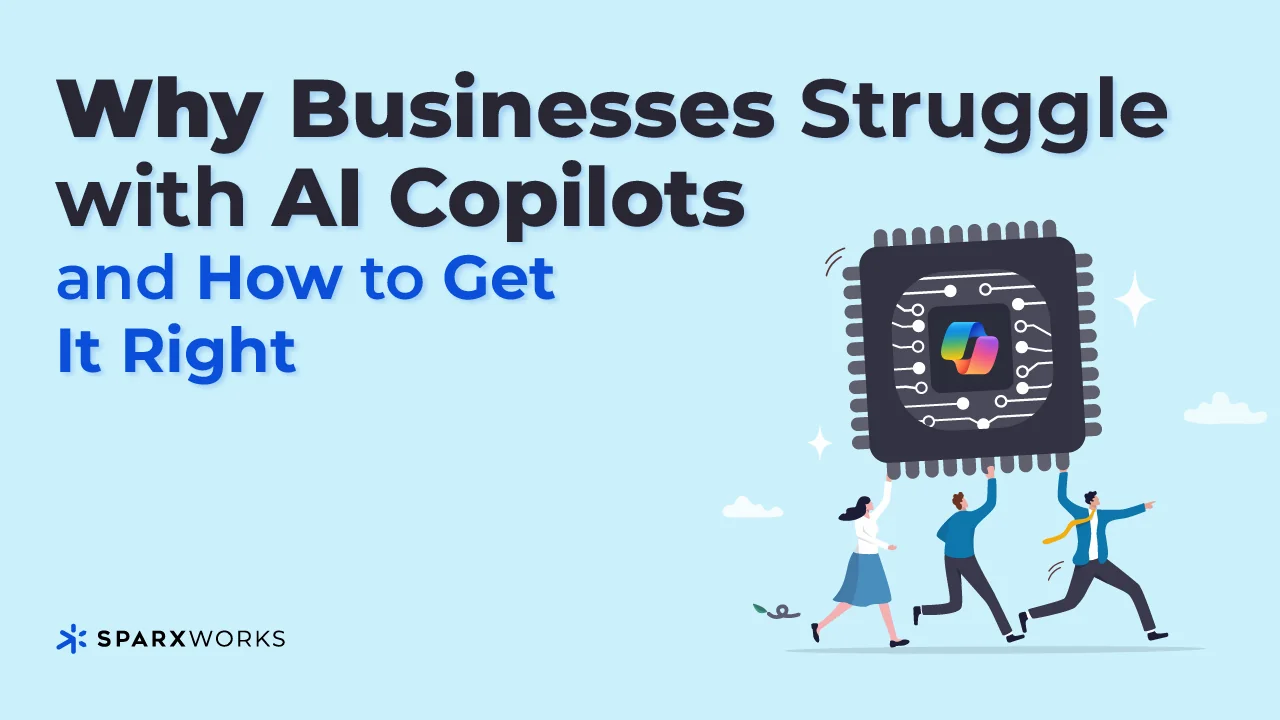
    Why Businesses Struggle with AI Copilots—and How to Get It Right

    AI copilots like Microsoft 365 Copilot are game-changers, promising to revolutionize the way businesses operate. Yet many companies are finding that integrating them into operations and services isn’t as seamless as advertised. Let’s talk about why—and how to overcome these challenges.

    One of the biggest hurdles is data preparation. Microsoft paints a picture of effortless AI adoption: connect your data, hit go, and watch the magic happen. But the reality is much more nuanced. Most organizations lack a clear roadmap for preparing their data, ensuring it’s clean, organized, and accessible for AI models. Without this foundation, copilots can’t deliver consistent, accurate results.

    Another challenge is complexity. While Microsoft offers tools to customize and connect copilots, navigating these capabilities requires more than basic technical know-how. Building effective prompts and customizing GPTs to meet unique business needs takes specialized skills. And let’s not overlook Microsoft’s tendency to oversimplify the process, which can leave executives blindsided when things don’t “just work.”

    Finally, there’s the issue of data security and oversharing. Recent reports show that copilots can unintentionally expose sensitive data. It’s a problem Microsoft is working on, but in the meantime, companies need robust governance to avoid unintended leaks.

    So, how do you tackle these challenges?

    1. Prioritize Data Readiness. Take a step back and assess your data. Is it structured, complete, and accessible? Invest in tools and workflows that clean and organize your data before introducing AI.
    2. Partner Strategically. Not every business has in-house expertise in prompt engineering or GPT customization—and that’s okay. Partnering with experts can accelerate your journey and minimize missteps. That’s why SparxWorks joined forces with PulseOne, a nationwide leader in Managed IT Services. Together, we’re helping businesses bridge these gaps, from data preparation to full-scale AI integration.
    3. Educate Your Team. Copilots require thoughtful implementation. Train your team to build better prompts and understand the nuances of AI behavior.

    The promise of AI copilots is real, but the path to unlocking their full potential requires careful planning. If you’re struggling with how to prepare your organization, let’s connect. SparxWorks and PulseOne are here to make the process as seamless—and impactful—as possible.

    I’d love to hear your feedback on Copilot implementations—what’s worked, what hasn’t, and any best practices (or lessons learned) along the way.