Tag: Microsoft

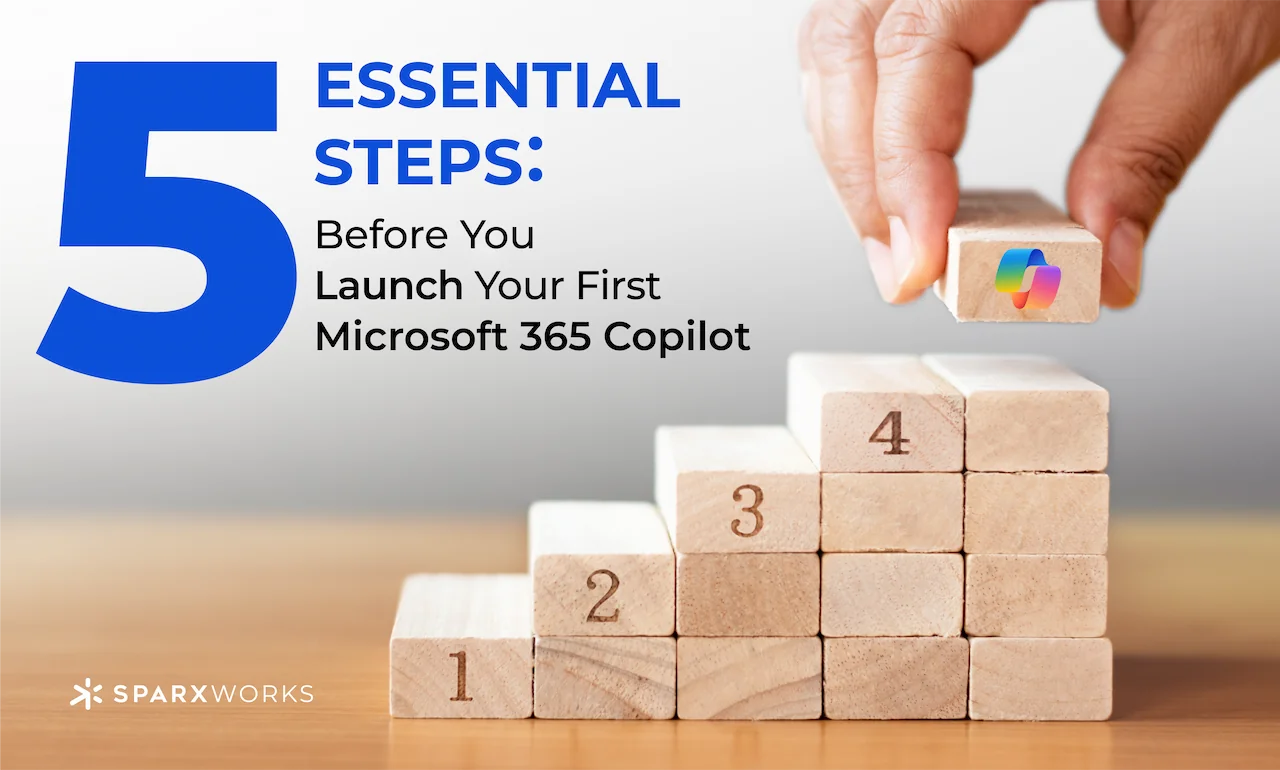
  • 5 Essential Steps Before You Launch Your First Microsoft 365 Copilot

    5 Essential Steps Before You Launch Your First Microsoft 365 Copilot

    Let’s be honest setting up a new AI assistant can feel like preparing for a big event. Microsoft 365 Copilot is no exception. It blends your everyday tools like Word, Excel, and Teams with advanced AI capabilities. But before you start chatting with Copilot, you’ll need to lay some groundwork. Think of it as getting the stage lights, sound checks, and script all in order, so your Copilot show runs smoothly.

    1. Organize Your Information Sources
      Before using Copilot’s “knowledge” feature, ensure your SharePoint, Teams, and OneDrive files are in good shape. Make sure documents are accurately named and logically stored—Copilot’s prompts rely on this data to provide relevant answers.
    2. Check Permissions and Access Levels
      Your Copilot respects your security and compliance settings. Confirm that permissions are updated so the right people have the right access. This ensures Copilot won’t be handing out sensitive info to unintended audiences.
    3. Fine-Tune Your Prompting Strategies
      Before you go live, practice asking Copilot targeted questions. The more specific your prompts, the better its responses. Instead of “show sales data,” try “show monthly sales totals by region from the last quarter.”
    4. Confirm Data Accuracy and Freshness
      Copilot draws insights from what it can “see.” Verify that your reports and data sources are up-to-date. Clean, current data means trustworthy results from Copilot.
    5. Start Small and Iterate
      Begin with a limited pilot group and a few test scenarios. Gather feedback, refine your prompts, and then expand. This approach ensures your Copilot is truly helpful from day one.

    Copilot can be an amazing and very powerful assistant. But it needs the right set up. If you want to talk through this in more detail, DM me. With the right setup, you can watch your productivity take off. Just like having a virtual teammate at your side!
  • Why Businesses Struggle with AI Copilots—and How to Get It Right

    Why Businesses Struggle with AI Copilots—and How to Get It Right

    AI copilots like Microsoft 365 Copilot are game-changers, promising to revolutionize the way businesses operate. Yet many companies are finding that integrating them into operations and services isn’t as seamless as advertised. Let’s talk about why—and how to overcome these challenges.

    One of the biggest hurdles is data preparation. Microsoft paints a picture of effortless AI adoption: connect your data, hit go, and watch the magic happen. But the reality is much more nuanced. Most organizations lack a clear roadmap for preparing their data, ensuring it’s clean, organized, and accessible for AI models. Without this foundation, copilots can’t deliver consistent, accurate results.

    Another challenge is complexity. While Microsoft offers tools to customize and connect copilots, navigating these capabilities requires more than basic technical know-how. Building effective prompts and customizing GPTs to meet unique business needs takes specialized skills. And let’s not overlook Microsoft’s tendency to oversimplify the process, which can leave executives blindsided when things don’t “just work.”

    Finally, there’s the issue of data security and oversharing. Recent reports show that copilots can unintentionally expose sensitive data. It’s a problem Microsoft is working on, but in the meantime, companies need robust governance to avoid unintended leaks.

    So, how do you tackle these challenges?

    1. Prioritize Data Readiness. Take a step back and assess your data. Is it structured, complete, and accessible? Invest in tools and workflows that clean and organize your data before introducing AI.
    2. Partner Strategically. Not every business has in-house expertise in prompt engineering or GPT customization—and that’s okay. Partnering with experts can accelerate your journey and minimize missteps. That’s why SparxWorks joined forces with PulseOne, a nationwide leader in Managed IT Services. Together, we’re helping businesses bridge these gaps, from data preparation to full-scale AI integration.
    3. Educate Your Team. Copilots require thoughtful implementation. Train your team to build better prompts and understand the nuances of AI behavior.

    The promise of AI copilots is real, but the path to unlocking their full potential requires careful planning. If you’re struggling with how to prepare your organization, let’s connect. SparxWorks and PulseOne are here to make the process as seamless—and impactful—as possible.

    I’d love to hear your feedback on Copilot implementations—what’s worked, what hasn’t, and any best practices (or lessons learned) along the way.